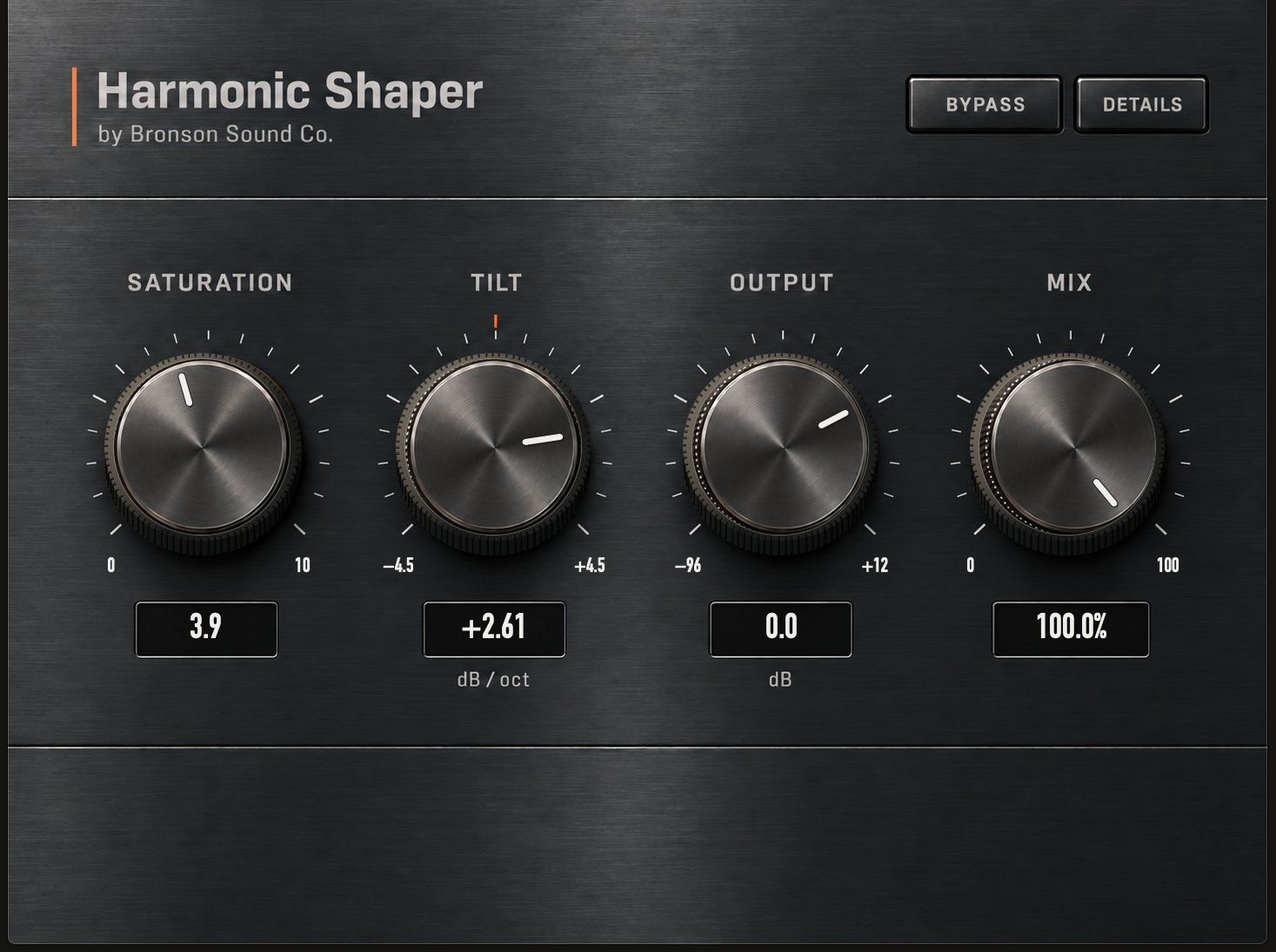
01 / SATURATION
Shape the character.
Add subtle body and texture across a mix, as you would with a classic console and tape machine. Or crank it until it tears the instrument apart. It sounds good all the way up.
The rich harmonic colour of a console and tape chain, refined for modern mixing. Bring out the character and detail of each instrument while adding depth and cohesion across the whole mix. All with two intuitive controls.
Full plugin included. Try free for 21 days. Purchase a licence key to activate permanently.
US$39 at launch · US$59 standard price
Four controls
01 / SATURATION
Add subtle body and texture across a mix, as you would with a classic console and tape machine. Or crank it until it tears the instrument apart. It sounds good all the way up.
02 / TILT
Choose which frequencies saturate hardest. Positive Tilt drives the highs harder while keeping bass fundamentals cleaner. The result is the best of both worlds: a mix that sounds richer and more saturated, while the low end stays tight, clear and dynamic.
03 / WORKFLOW
Saturation and Tilt give you a wide tonal palette with just two intuitive controls. No need to understand what's happening under the hood to get great results.
For subtle tone shaping across a mix, start around +2 to +3 dB/oct of Tilt and 2–5 on Saturation. Try it track by track to bring out detail and weight while leaving room for a big, dynamic low end. On a group or mix bus, use it to help the tracks gel.
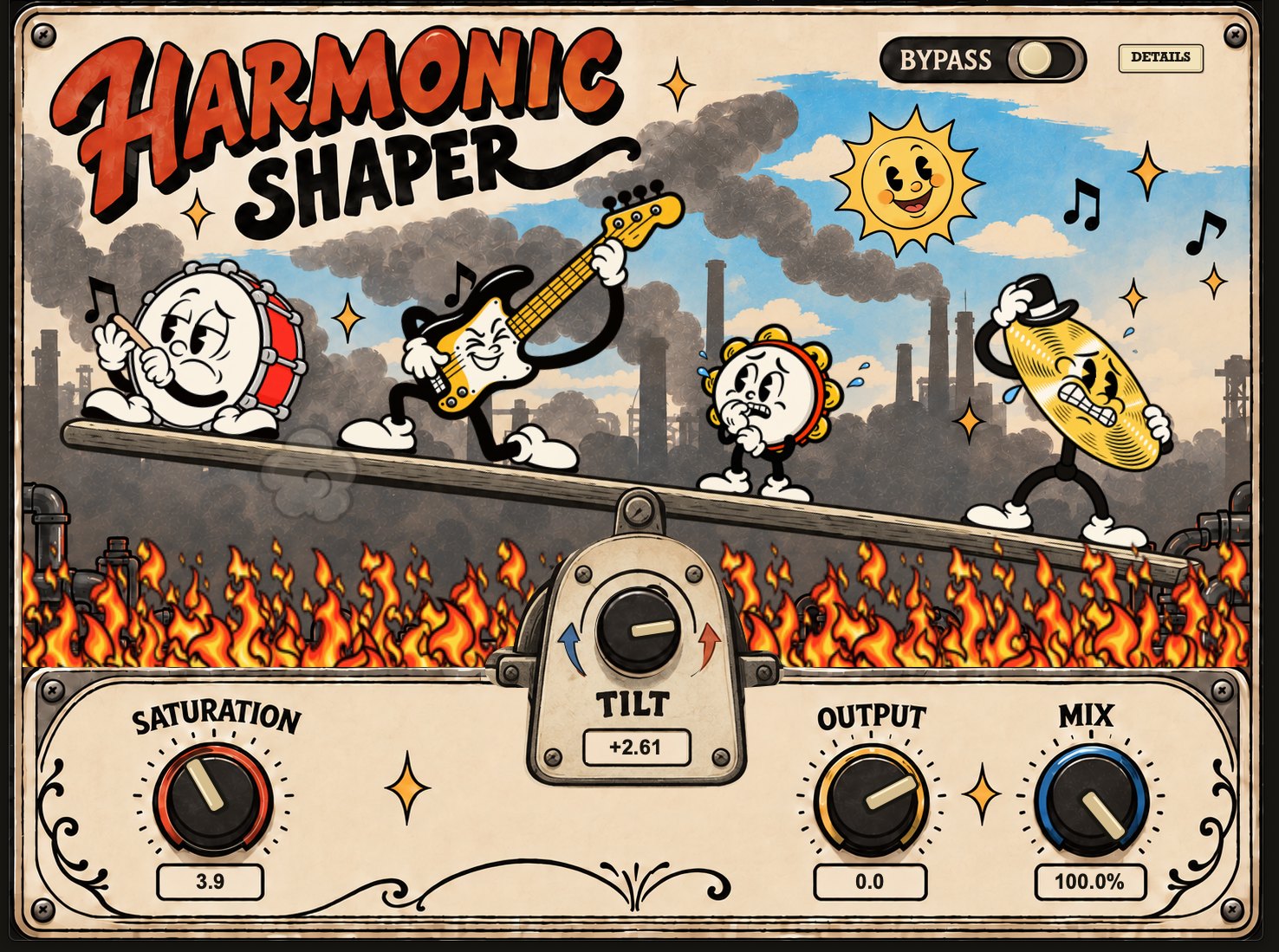
04 / ANTI-ALIASING
Saturation adds harmonics. In digital processing, harmonics above the Nyquist frequency can fold back into the audible range as harsh, inharmonic artifacts. Difficult to hear on individual tracks, they can accumulate into a brittle, unnatural sound across a mix. Analogue saturation doesn't produce this digital foldback. Harmonic Shaper uses oversampling and advanced anti-aliasing to reduce foldback and preserve the rich harmonic character of analogue saturation.
Harmonic Shaper has its own design. The sound came from testing many hardware units and software emulations, experimenting with saturation algorithms and refining the results by ear. The goal was the combined colour of a good console and tape machine, with less mud, top-end roll-off, noise and unwanted phase coloration.
Many classic recordings got part of their character from every track passing through a console and tape machine. Engineers could push individual tracks harder for extra grit, while the shared analogue colour helped the mix hang together. Harmonic Shaper lets you take a similar approach: apply subtle saturation across multiple tracks, then tailor Saturation and Tilt to bring out each instrument's unique character while adding depth and cohesion to the mix. Use it wherever it sounds good.
Both use oversampling and antiderivative anti-aliasing (ADAA). Great is the recommended 16× mode. Good uses 4× oversampling for lower CPU use. Choose either in Details.
Yes. Turn up Saturation, use Tilt to choose the character, and blend it with Mix if you want some of the original signal back.
Yes. Open Details and select Serious under Appearance. Choose Make Default to use it for new instances.
Purchasing will open at launch.
Yes. Install it and use it for 21 days free. The trial starts locally and requires no account or key.
Yes. The download is the full plugin with all controls, quality modes and both interfaces. The same installation becomes permanently licensed when you activate it.
No. Use an email address you can access so you can receive the order receipt and licence key.
No. A one-time purchase gives you a perpetual licence with three activations.
Yes. Updates to Harmonic Shaper are free for existing licence holders.
While online, open Harmonic Shaper in your DAW. Open Details, paste the key from your purchase and click Activate. The licence status will show when activation has succeeded.
Yes. The trial runs offline. A purchased licence needs internet access for activation and deactivation, and can be used offline after activation.
Yes. Use any combination across your three activations. For example, you can use VST3 on one Mac, Audio Units on a second Mac and VST3 on a Windows PC.
One activation covers that computer and OS login across your DAWs and plugin formats. AU and VST3 on the same Mac login share it. A separate OS login can use a separate activation.
On the original computer, go online, open Details, re-enter the licence key and choose Deactivate. Confirm, wait for success, then activate on your new computer. If the original computer is unavailable, contact support for help recovering the activation.
Harmonic Shaper stops passing audio on tracks where it is active. Your DAW project keeps the plugin settings. Activate a licence in Details to resume using it with those settings.
The Mac build is universal for Intel and Apple Silicon and targets macOS 11 or later, with VST3 and Audio Units. The Windows build targets 64-bit Windows 10 and 11 with VST3. Use a DAW version that supports the format and your OS. For example, Logic and GarageBand use Audio Units, Cubase uses VST3, and REAPER and Live can use VST3.
Pro Tools support requires AAX, which is unavailable at launch. AAX support for Pro Tools is planned after the initial release.
Harmonic Shaper reports 7 samples of latency in both Good and Great modes at every supported sample rate. That’s approximately 0.159 ms at 44.1 kHz, 0.146 ms at 48 kHz and 0.073 ms at 96 kHz. Your DAW compensates for this automatically when plugin delay compensation is enabled.
Search your DAW’s audio effects for Harmonic Shaper or Bronson Sound Co. The Mac installer uses ~/Library/Audio/Plug-Ins for your account or /Library/Audio/Plug-Ins for all users. Windows uses C:\Program Files\Common Files\VST3.
Quit and reopen the DAW after installing. Check that the DAW is set to scan the right format. Try its rescan or refresh option below. On Mac, use the system VST3 or Audio Units option where available.
Open the instructions for your host. Menu names can vary slightly by version.
Use the signed installer from this site. If the OS or DAW still blocks it, note the exact message and contact support with your OS, DAW version and installer filename.
Use the Mac or Windows download on this site. Close your DAW before running an updated installer.
The installer is designed to update the plugin in place while retaining the licence for your current OS login. Reopen your project with the same plugin format to recall its settings. Keep a backup of important sessions before updating.
Email support@bronsonsoundco.com with your OS, DAW, plugin version and format, plus the steps and any error text. Keep your full licence key private.
Installation, licensing and troubleshooting.
General enquiries, business, press and reviews.